
Free Printable Rectangle Chalkboard Labels
These rectangle chalkboard labels work for pantry jars, files, notebooks and canning. Choose one of 4 sizes, type your own text in our free online label maker, and print at home. The size refers to the width of each label.
Choose a size
Click a size to customize it.


4 inch wide (3 labels per sheet)
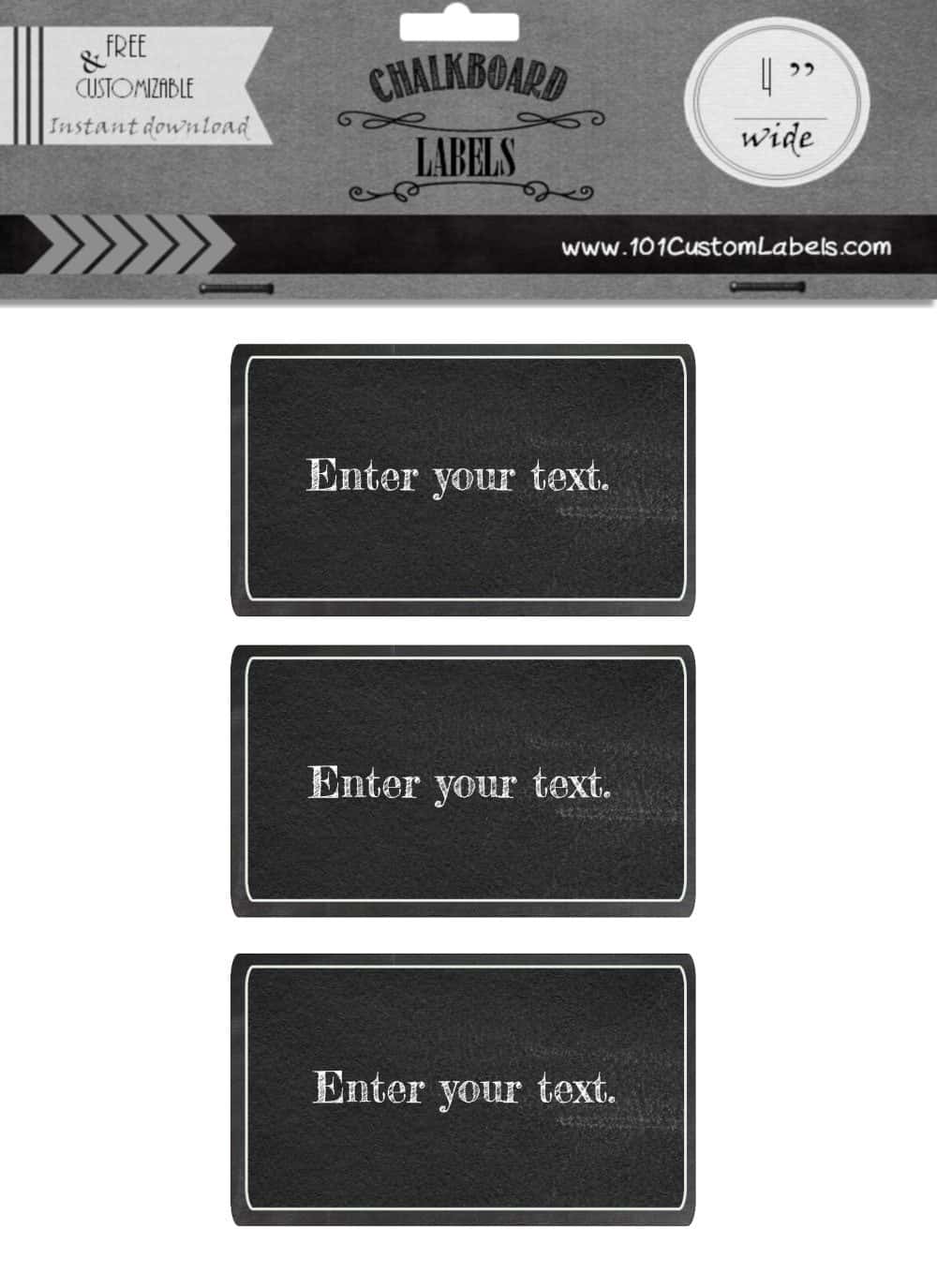
3 inch wide (8 labels per sheet)

2 inch wide (15 labels per sheet)

2.5 inch wide (12 labels per sheet)

What can rectangle chalkboard labels be used for?
- Notebook labels
- Pantry labels
- Food labels
- Canning labels
- For files or folders
- To mark school supplies
You can either cut them out with straight lines or round the edges to create a bit of interest.
Blank labels: print some labels with no text and write on them later with a white marker. You don’t need a special chalk marker. Any white paint marker works.
How to make rectangle chalkboard labels
- Pick the size that fits your jars or files and click Customize.
- Click on the text and type your own words. Each label can be different.
- Download or print the sheet. Sticker paper is easiest.
- Cut out the labels and stick them on.
How do you cut out these labels?
The cheapest way is with scissors.
If you have a paper cutter or a paper guillotine you will be able to cut out many labels in a fraction of the time and get perfect results each time. There is no reason to buy one just for these labels if you don’t already have one but they are useful gadgets to have!
Hi. I am trying to print (laserjet) labels onto aluminium tins. Each label is different as personalised so I need to create and print from home. What do you recommend I print on? Something that will have a transparent background so only the design can be seen and it has to look professional. Is this the best way? Any help would be appreciated. I have tried label paper but the ink scratches off really easily – is that because it’s not good quality? Thanks
I think that this article on the best sticker paper will help you. Good luck!