Free Custom Wine Labels
Make your own wine labels in about two minutes with our free online wine label maker. Pick a design, type your message and print at home. Custom wine labels turn an ordinary bottle into a wedding favor, a birthday gift or a thank-you present.
Wine label designs on real bottles
Click any bottle to open that design in the wine label maker.
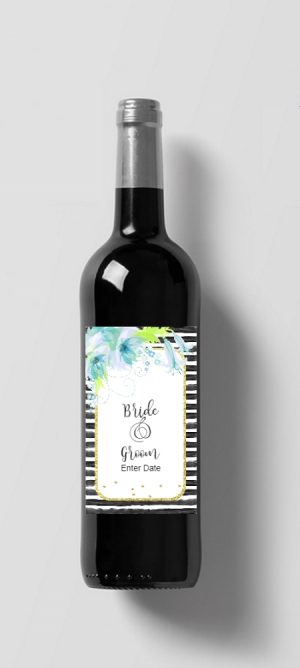
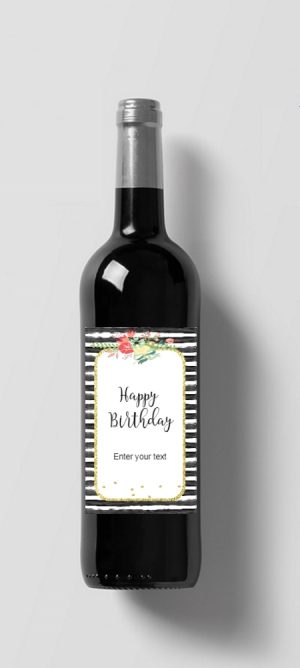

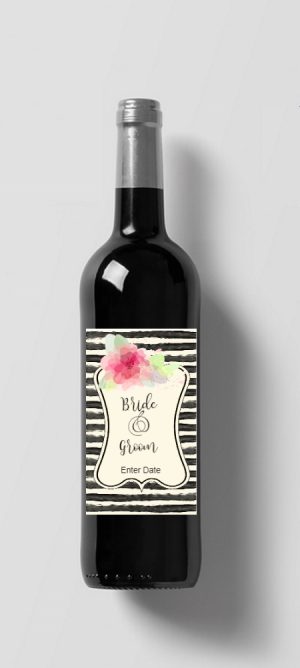
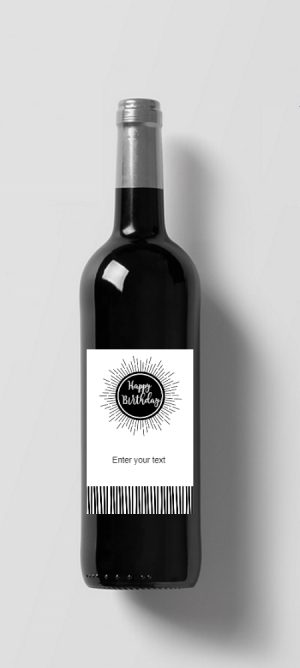


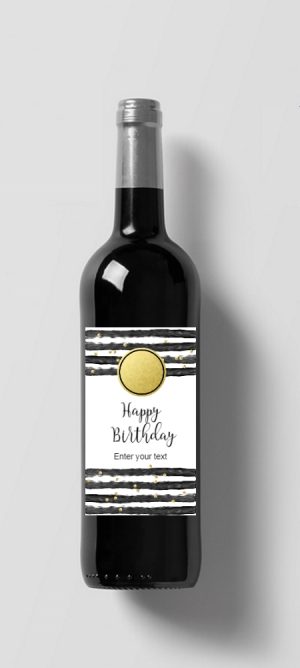
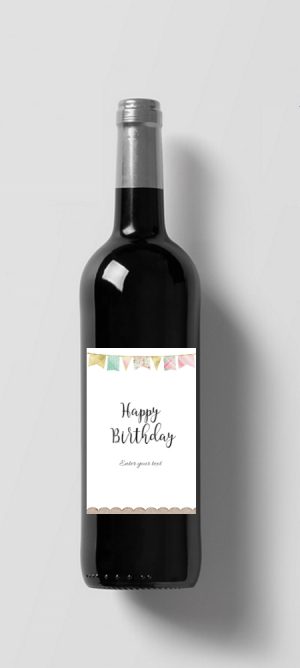

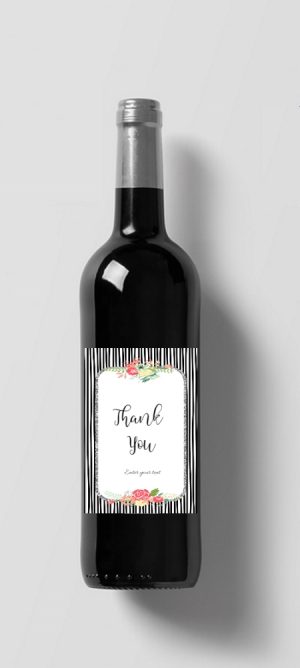
Each sheet of personalized wine labels comes with three custom wine bottle labels that can each be personalized with different text. See tips on how to remove wine labels below.
Wine label templates
Here are the same designs as flat templates. Click one to customize it.

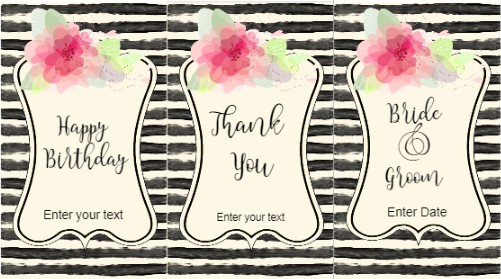


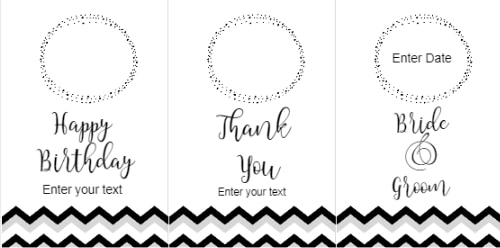
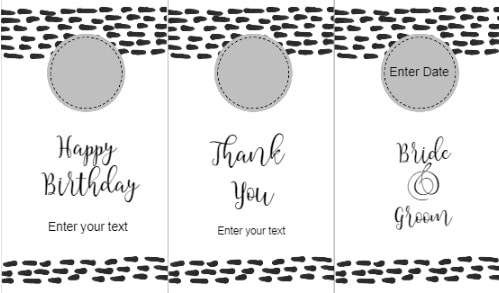

You can print the wine bottle labels on regular paper and attach them with a glue stick, or print on sticker paper. Waterproof labels are best if the bottle will sit in an ice bucket.
How to make custom wine labels
- Click a design above. The wine label maker opens in a new tab.
- Click on the text and type your own message. Each sheet has three labels, and each one can say something different.
- Download the sheet as a PDF or image, or print it straight away.
- Cut out the labels.
- Remove the old label from the bottle (see below) and stick on your new one once the bottle is completely dry.
How to remove labels from wine bottles
If you are unsure how to get labels off wine bottles then follow these simple instructions. You will need to remove the original label before adhering the new custom label.
- Soak the original label in warm soapy water for a few minutes.
- Remove the label.
- Clean the glue residue with a soft sponge or rag.
Do not adhere the custom wine label until the bottle is totally dry.
Removing labels from wine bottles should be easy and they should come off after the above steps. Some manufacturers use glue that is more difficult to remove. If you could not remove the residue you might want to use glue remover to clean the bottle. You might also be able to stick the new label over the old glue without anyone noticing.
How to make mini wine bottle labels or larger labels
You can change the wine label size by using your computer’s printer settings. To make mini wine bottle labels just make the labels smaller and vice versa. Test the size before you print in bulk. Make sure that the label fits the mini wine bottle or larger bottle depending on what you want to use.
How to create wedding wine labels
Each wine label template has a sample of a wedding label. If you want to use them all to create wine labels for wedding then just change the text of the other two labels. Feel free to add additional text as well if you want. You can also edit the text to create bridesmaid wine labels.
How to create blank wine labels
If you do not want to add any text then you can delete the dummy text by clicking on the x on the bottom right of the text box.
How to print wine labels
Wine label printing isn’t as complicated as it sounds. You can print on regular white printer paper and attach the label with paper glue, or use ready-made label sheets from Avery or another brand.
- Print at actual size (choose “Actual size” or 100% in your printer settings) unless you are deliberately making mini or large labels.
- Do a test print on plain paper first to check spelling and size before you use sticker paper.
- Use a glue stick or spray adhesive on regular paper. Spread it evenly to the edges so the corners don’t lift.
- Chilled bottles get wet from condensation. A laser printer or a layer of clear packing tape stops the ink from running.
Looking for a wine label design that isn’t here? Leave a comment and we’ll try to help.
Wine Glass Labels
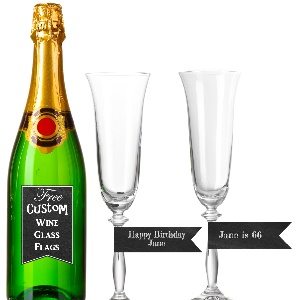
This is a great way to make glasses look special and also enable guests to keep track of their glass. You can either write something different on each label or keep one side blank and leave some markers on the table so that guests can write their name on their glass. We also offer free personalized wine bottle labels to make custom gifts or favors with your own “private label wine” (see above).