
Free Printable Bracket Chalkboard Labels
These bracket shaped chalkboard labels look great on mason jars, pantry containers and gift jars. Pick one of 4 sizes, type your own text in our free online label maker, and print at home.
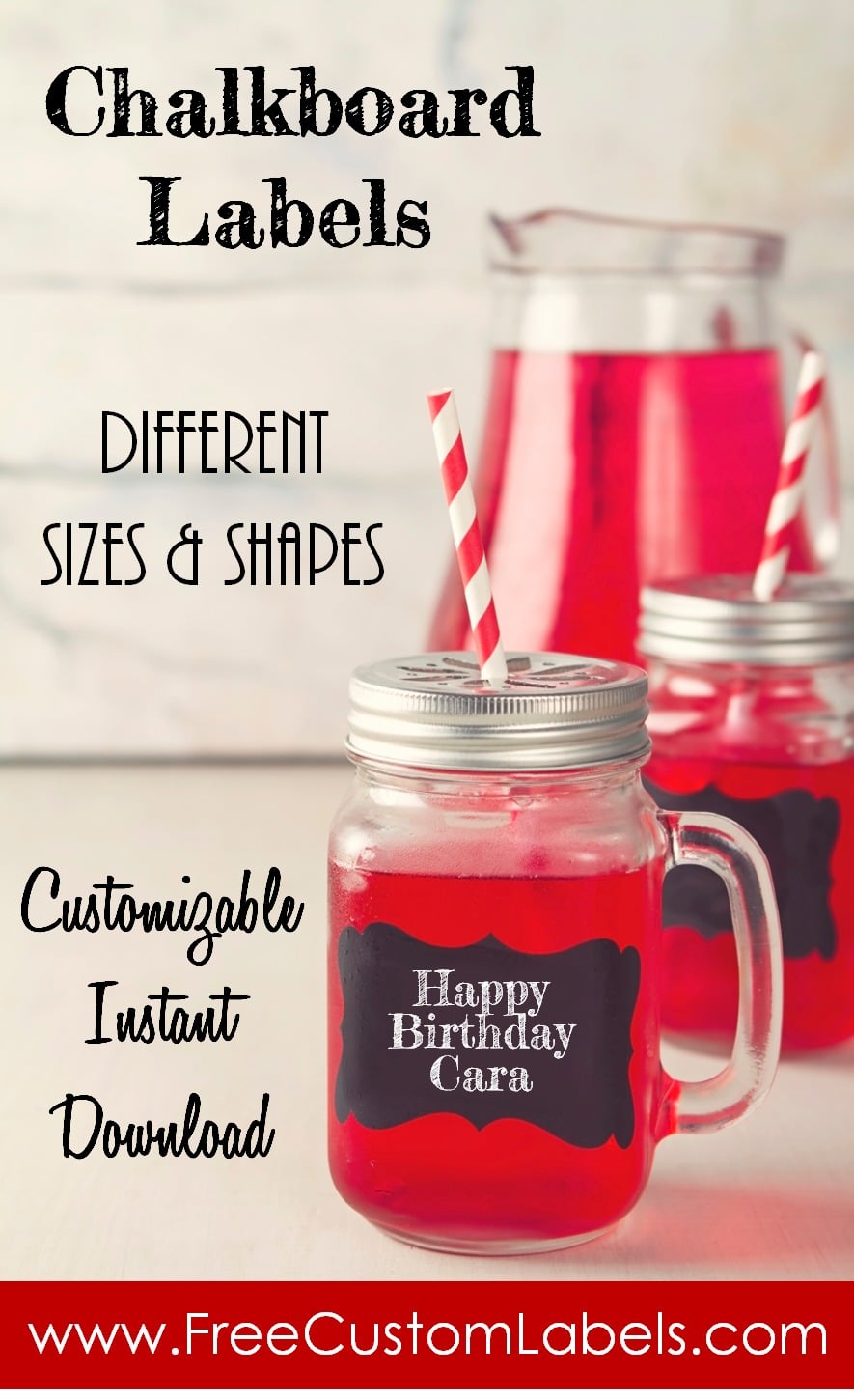
Before you start, measure the width of the jar or container where the label will go. That tells you which of the 4 sizes will fit best.
Choose the size of your chalkboard labels
Click Customize next to the size you want.
 4 inch labels: the largest size, with two labels per page. Each label is about 4 inches (10 cm) wide.
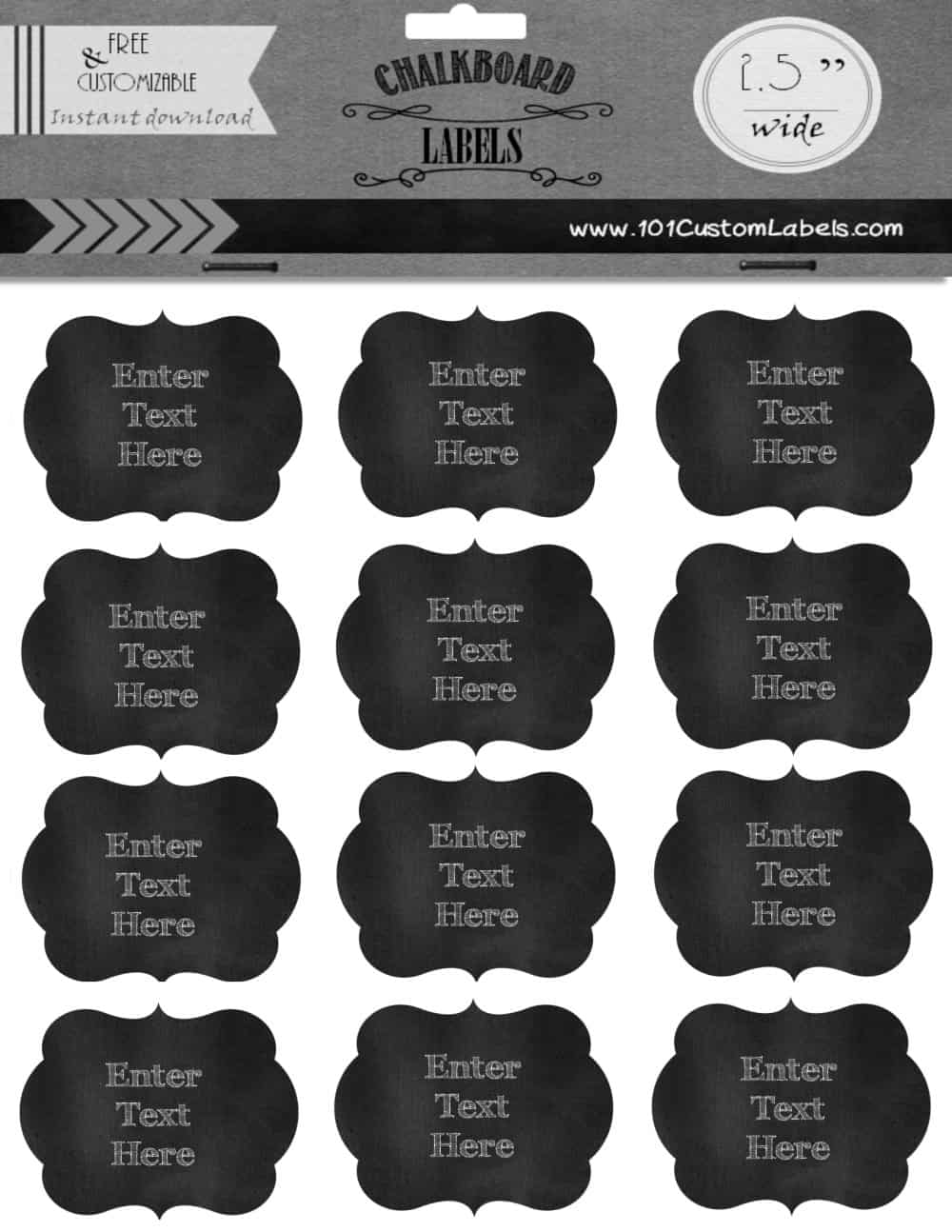
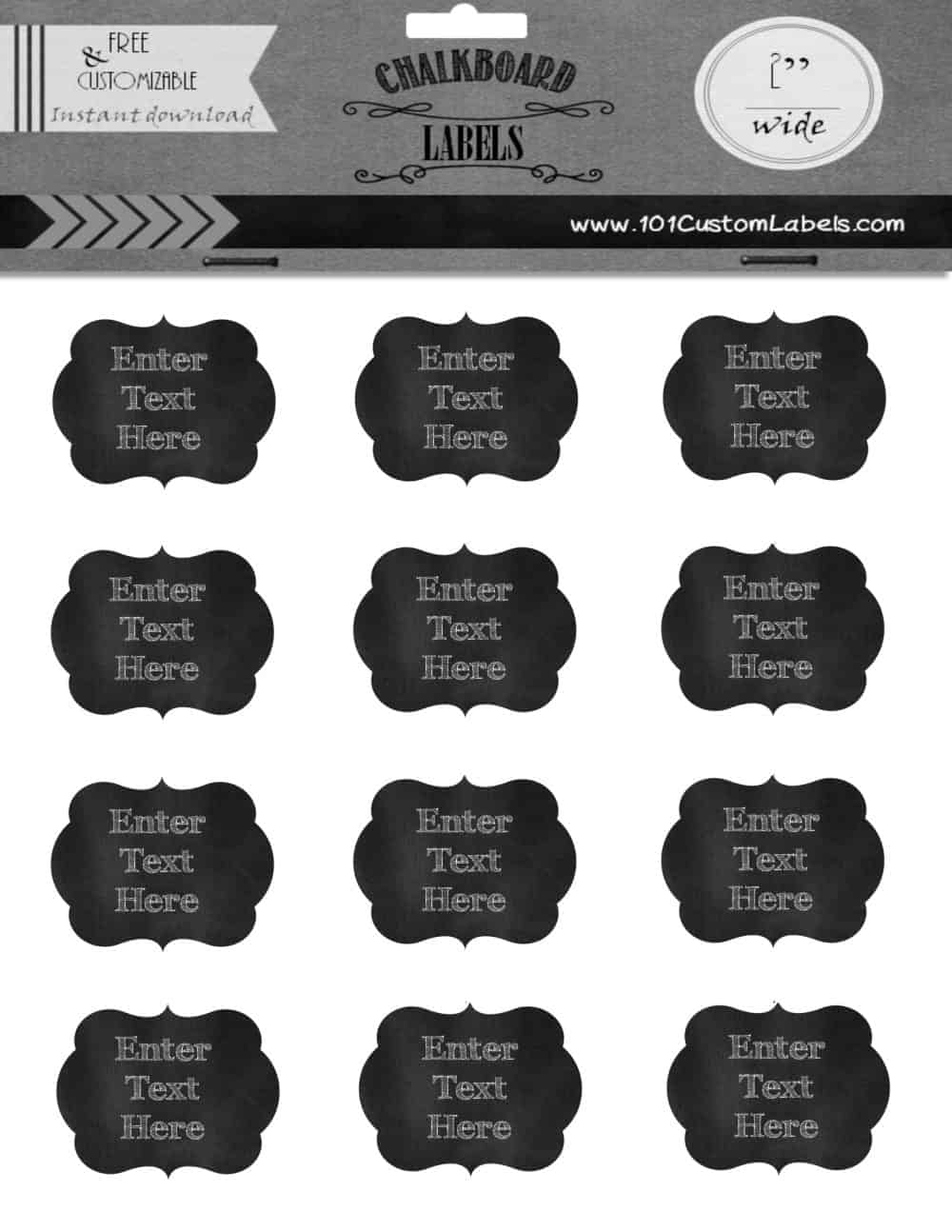
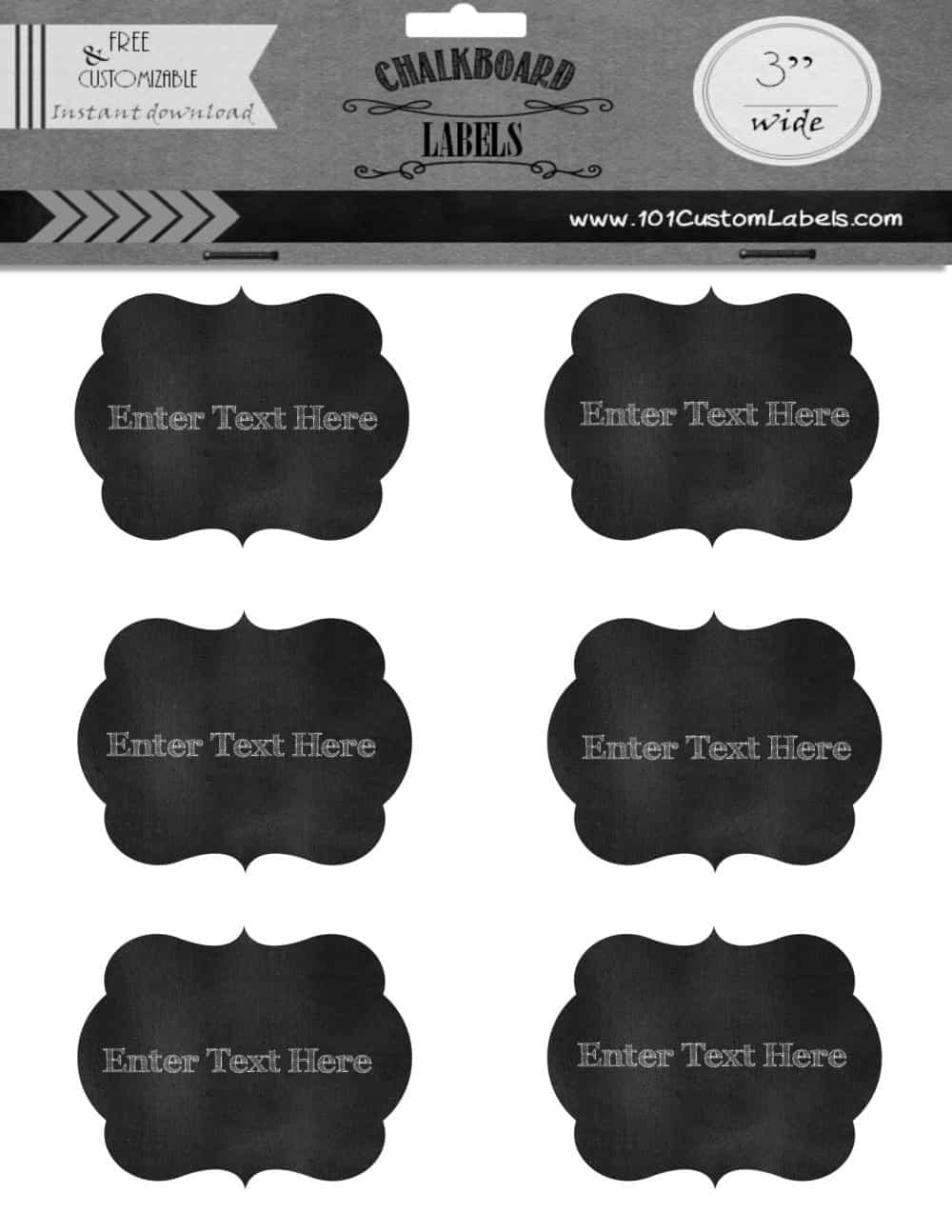
How to make bracket chalkboard labels
- Measure your jar and pick the size that fits.
- Click Customize next to that size. The label maker opens in a new tab.
- Click on the text and type your own words. Each label on the sheet can say something different.
- Download or print the sheet.
- Cut out the labels and stick them on.
Bracket shaped labels take a minute longer to cut out than squares. Large scissors are easier to use than small ones, and if you make these often, a bracket shaped craft punch is worth buying.
Printing tips
- Print at actual size. Choose “Actual size” or 100% in your printer settings so the labels come out the right size.
- Sticker paper is the easiest option. No sticker paper? Print on regular paper and attach with a glue stick, double-sided tape or Mod Podge.
- Matte sticker paper gives the most realistic chalkboard look. Glossy paper can reflect light and look less like real chalk.