Free Printable Recipe Card Templates
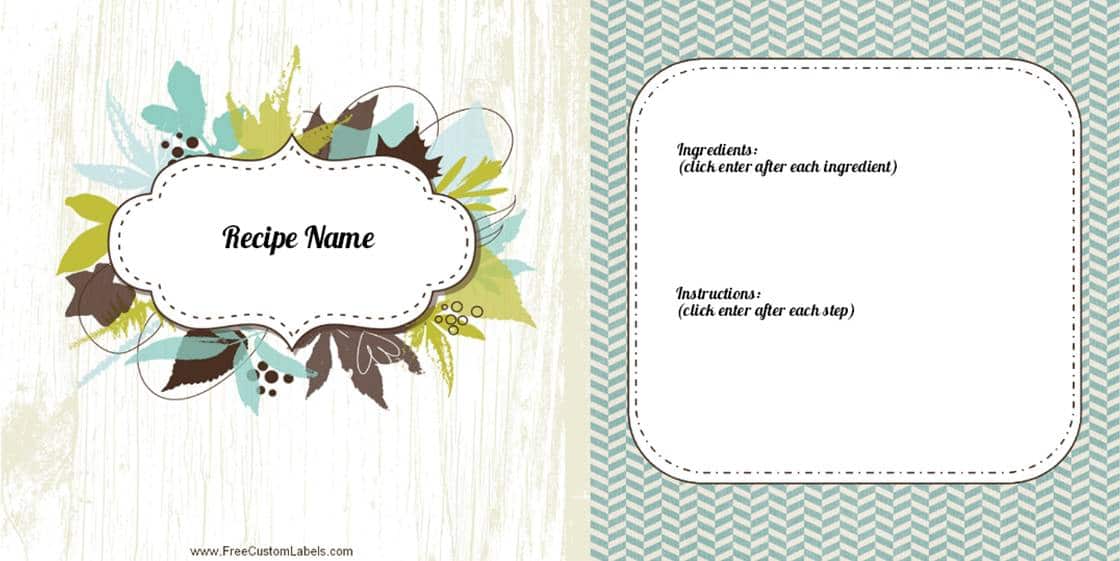
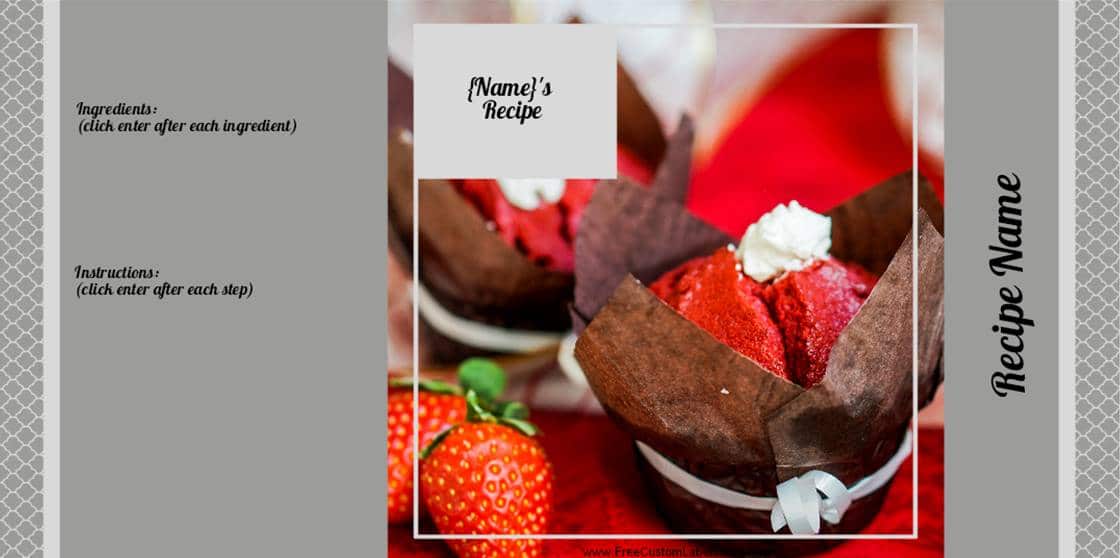
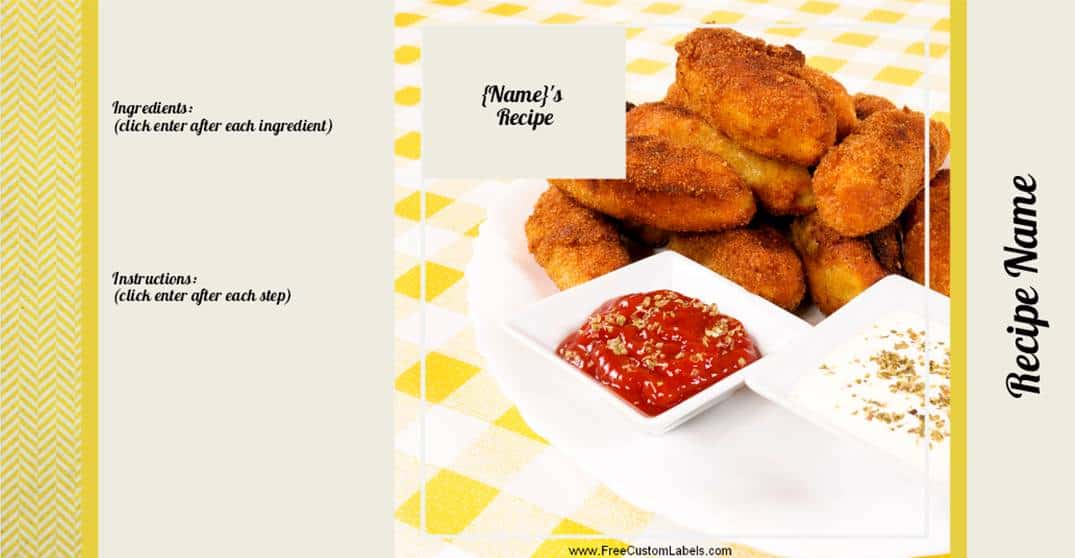
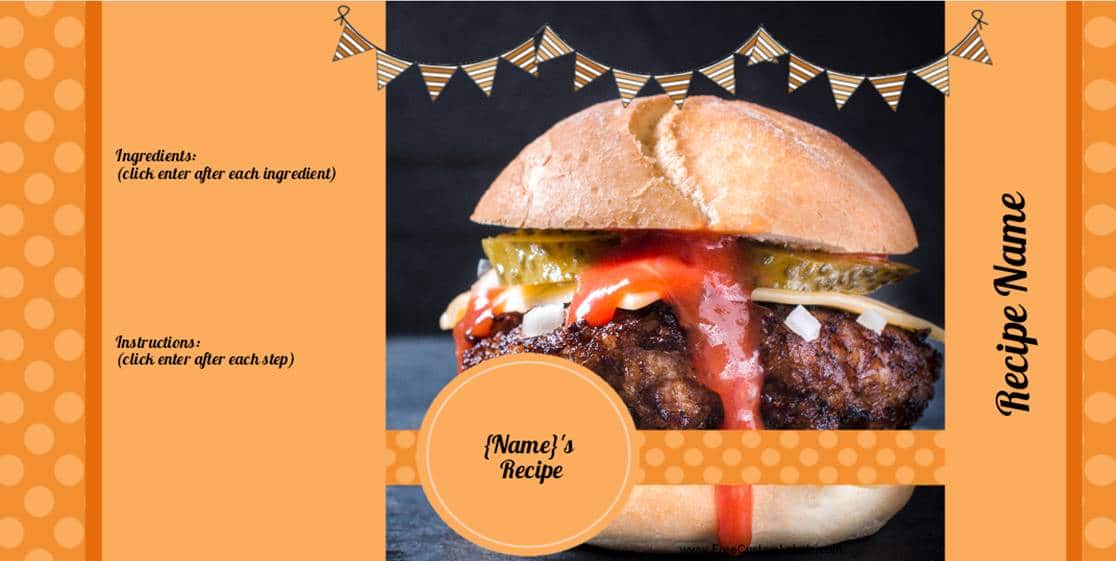
Pick a recipe card below and click Customize to open our free recipe card maker. Type in the ingredients and method, add a photo of the finished dish if you like, and then print at home or download the card as a PDF or PNG. There’s nothing to install and no sign-up.

Recipe Card Templates
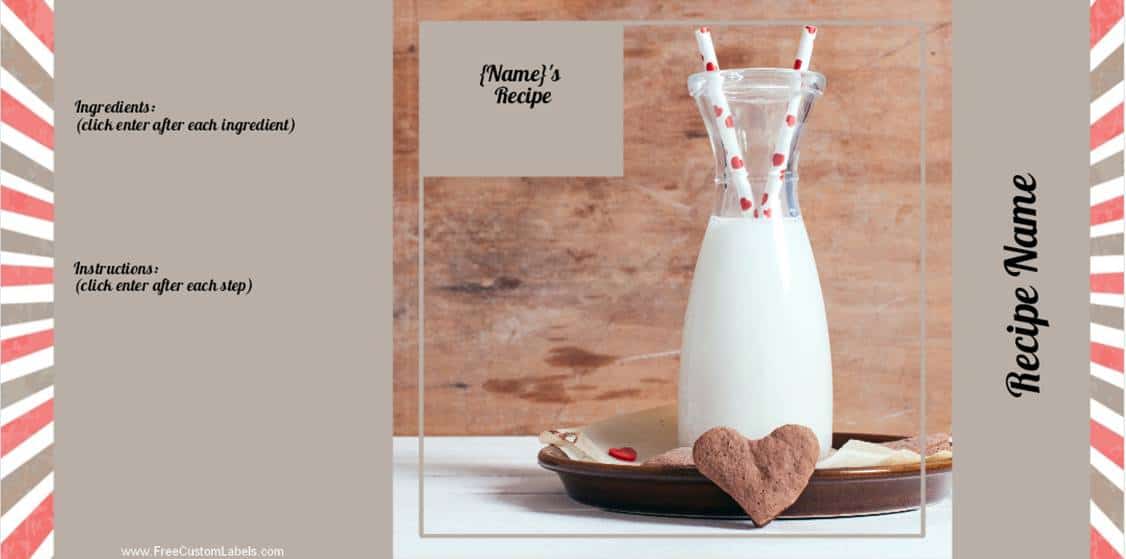
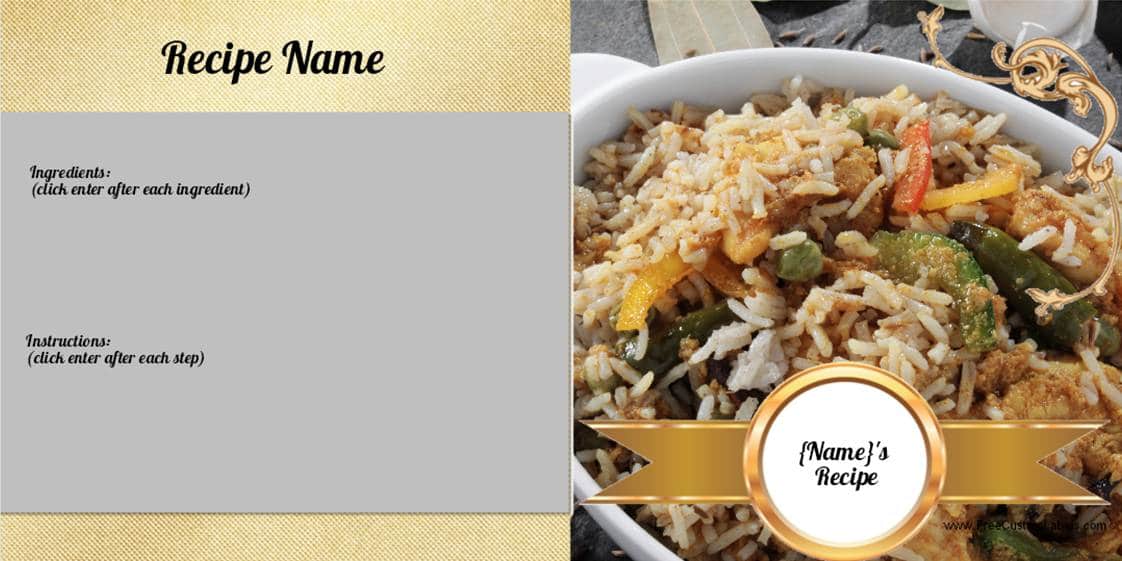
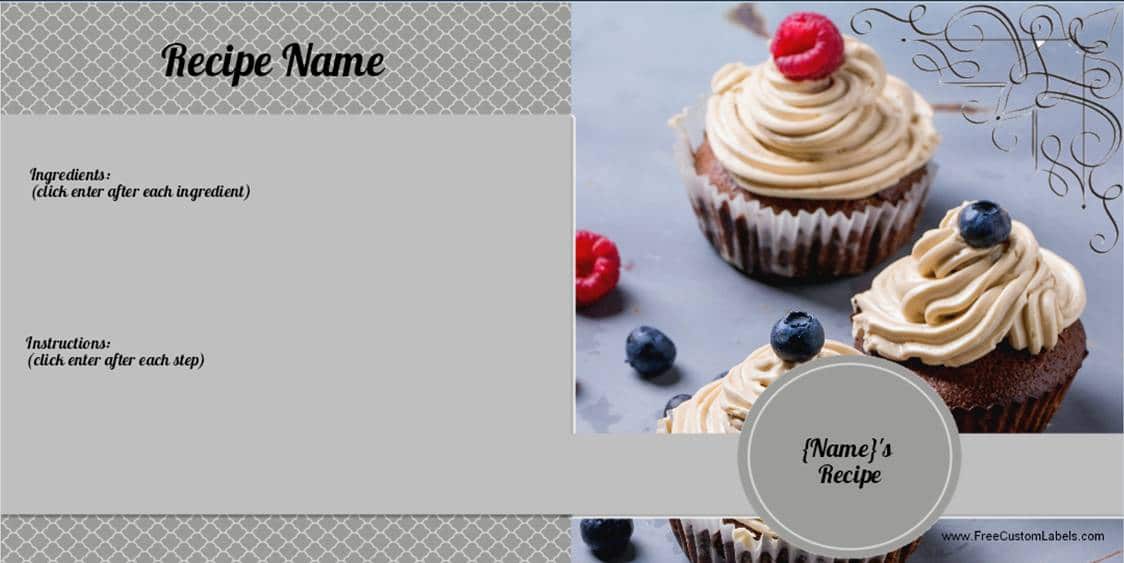
There are 7 designs. Click the picture to see a larger version, or click Customize under a card to open it in the recipe card maker.

How to make a recipe card
- Choose a design above and click Customize. The recipe card maker opens in a new tab.
- Click on any text to change it. Type the recipe name, the ingredients and the method.
- Upload a photo of the dish. If you don’t want a photo, delete it and move the method into that space.
- Download the card as a PDF or PNG, or print it straight from the recipe card maker.
- Cut out the card along the edges.
Blank recipe cards to fill in by hand
If you prefer to write your recipes in your own handwriting, open any design and delete all of the text on it. To delete text, click on it and a little x will appear in the bottom right corner. Click the x and the text disappears. Then print as many blank cards as you need.
Why use recipe cards?
These printable cards will help you keep organized and ensure that you never forget a recipe. You can include a picture of the final product so you can remember exactly how it turned out. I hate it when I finally cook something that my kids loved and then when they ask me to make it again I don’t remember how I made it.
Tips for printing and keeping your recipe cards
If you want to keep it forever then we suggest that you have the card laminated. You can put a few recipe cards in a lamination sheet. This will ensure that the recipe is not destroyed in the kitchen. If you cannot laminate the card then try and print it on a laser printer rather than an ink jet printer since the ink tends to run when wet.
- Use cardstock. Thick paper holds up much better in the kitchen than regular printer paper.
- Print at actual size. In your printer settings choose “Actual size” or 100% so the card doesn’t shrink or stretch.
- Do a test print first. Print one card on plain paper to check spelling and layout before you use your good cardstock.
- Let the ink dry for a few minutes before you cut, so it doesn’t smudge.
- Use a paper trimmer if you have one. It gives straighter edges than scissors.
Once you have made a few recipe cards, keep them in a recipe box or a small photo album and you’ll never forget another recipe again!
More free printables for your kitchen
- Overnight oats recipe cards
- Canning labels for jams, pickles and sauces
- Milk bottle labels
- All food and drink labels
If you like these designs, you may also like: